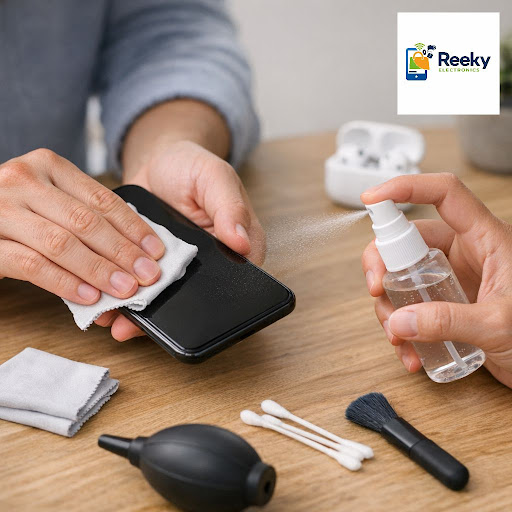
Your smartphone goes everywhere with you, collecting dust, sweat and germs all day. At Reeky Elec…
Published
Your smartphone goes everywhere with you, collecting dust, sweat and germs all day. At Reeky Electronics, the best mobile shop in Tinsukia, our technicians are often asked how to clean a phone safely without damaging the screen, camera or charging port. Here are simple, practical tips from a trusted electronic shop in Tinsukia to keep your device fresh, hygienic and working perfectly.
- ️ Always switch off your phone and unplug it before cleaning to avoid damage or short circuits
- ️ Use a soft microfiber cloth slightly dampened with 70% isopropyl alcohol – never spray liquid directly on the screen
- ️ Gently clean around buttons, speaker grill and camera lens to remove dust without scratching the glass
- ️ Avoid harsh chemicals, sanitizer sprays and excessive water that can seep into ports and harm internal parts
- ️ Protect your phone with a good case and tempered glass, easily available at our mobile accessories counter
- ️ Visit our mobile store near you in Tinsukia for expert cleaning, new covers, screen guards, Bluetooth speakers, CCTV cameras and more
For safe phone care, quality gadgets and reliable service, visit Reeky Electronics, your friendly electronic shop near you in Tinsukia, or call us today for assistance.